How to add prospect manually in Campaign

Techmet
Last Update 8 months ago
Adding Prospect Manually
A single prospect at a time can be added manually by the Subscriber/ Manager/ User / Field Executive.
• Go to “Campaign” tab
• Choose Campign and click on “Add New” (+ button)
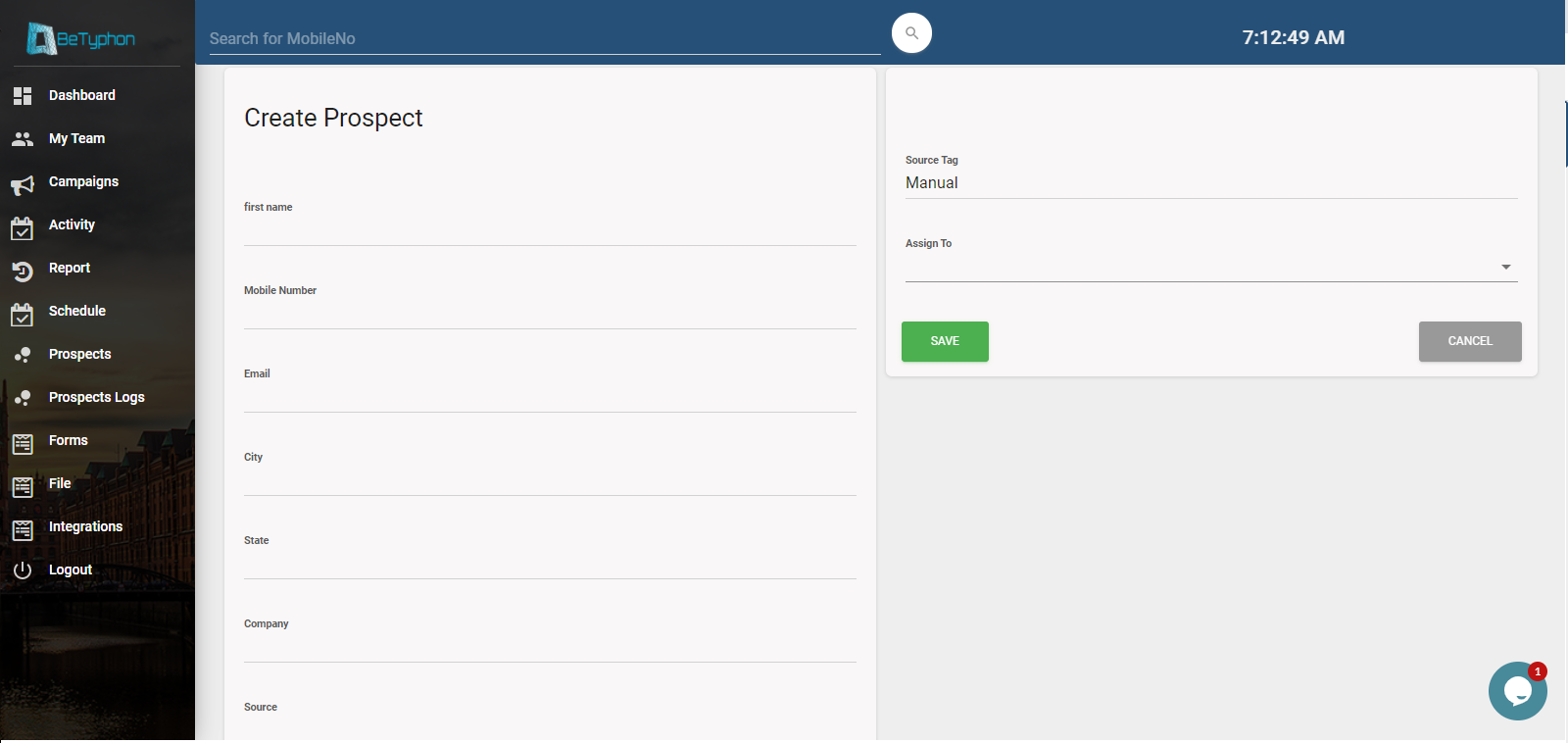
• Enter the prospect details i.e. First Name, Last Name and the contact details
• Optional details like City, Industry and other columns can be added.
• In case the prospect is to be assigned by Subscriber/ Manager to a specific User then select the User name from the Handler dropdown.
• Click on “Save” button.
Column can be increase or dicrease from Prospect Setting button

Entry by Call Details - Option
