How to map disposition in Campaign

Techmet
Last Update 9 months ago
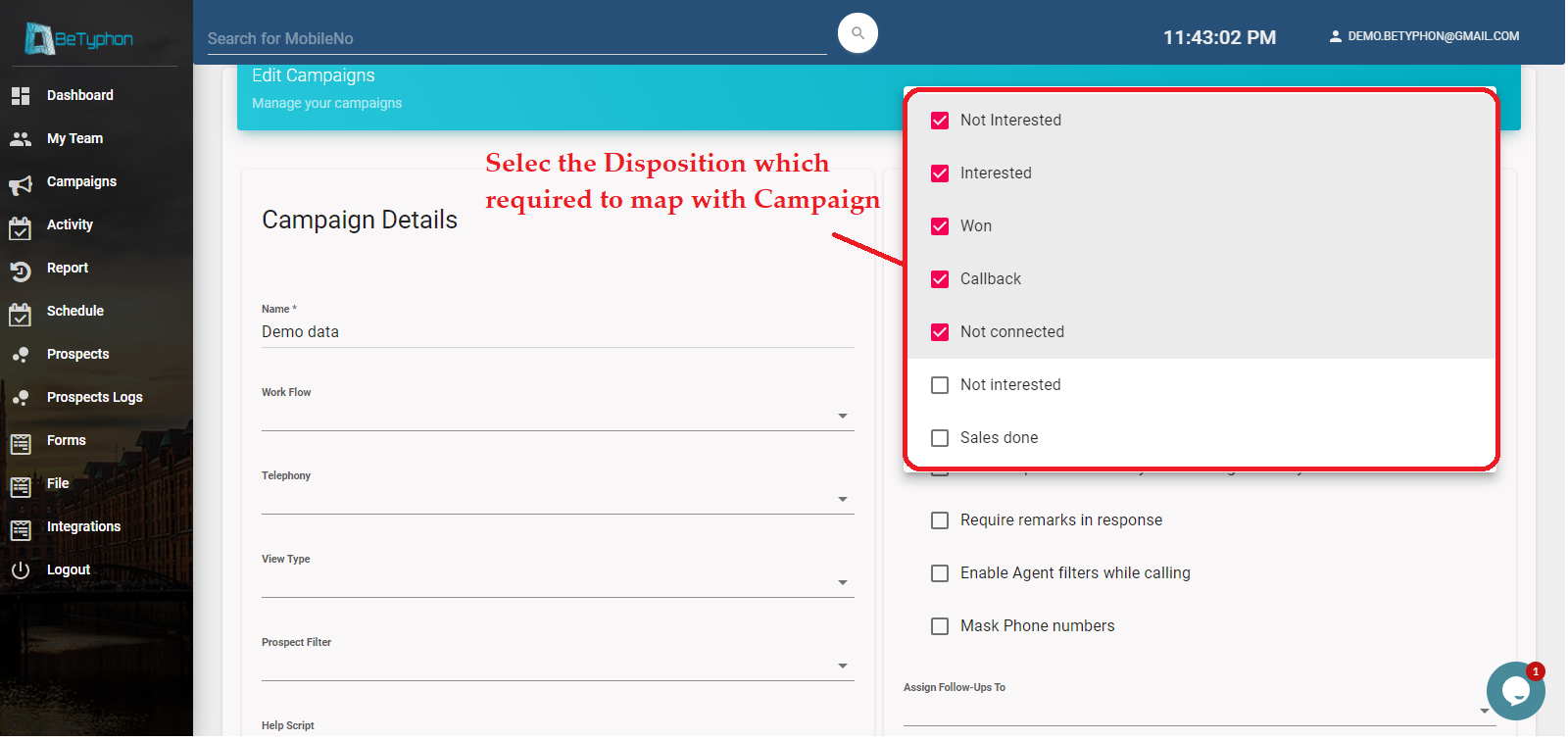
Disposition can be added while creating the campaign. Incase of any addition or changes, can be done by editing the campaign.
Step 1 > Go to Campaign - Edit Button
Step 2 > Select the required Dispositions
Step 3 > Save it
Step 2 > Select the required Dispositions
Step 3 > Save it
Note : Chosen disposition only will show in calling page based to campaign